Image

In DukeHub, a To Do item will show on your dashboard and My Information dropdown menu.
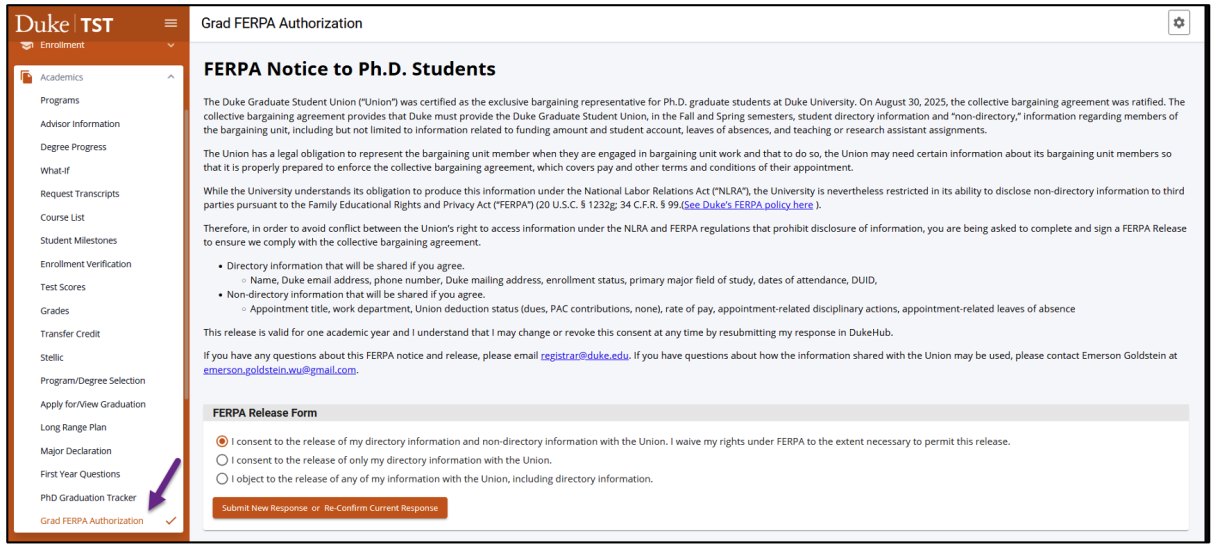
Click on the To Do item, then click the button Click Here To Open FERPA Form.

Make a selection and click Submit Response.
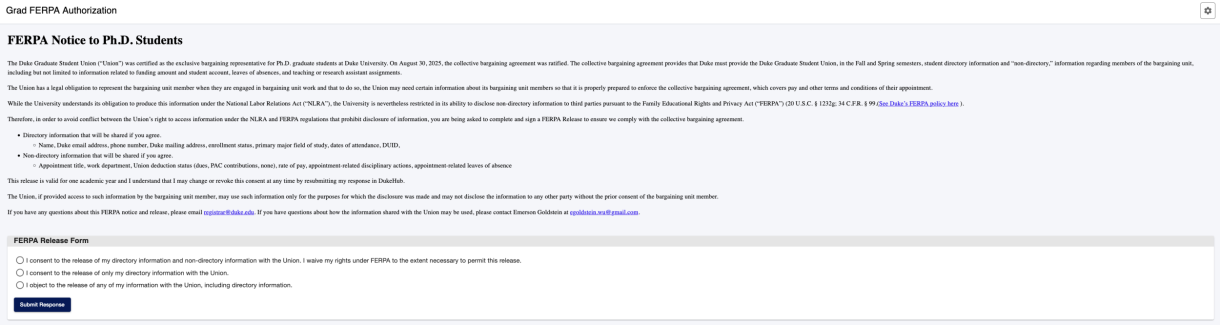
After you submit, the text Response Submitted will appear, and you will receive a message via DukeHub Message Center with your selection.
If you need to update your selection, click the link in the Message Center message, or go to the PhD Graduation Tracker page in the Academics dropdown menu.